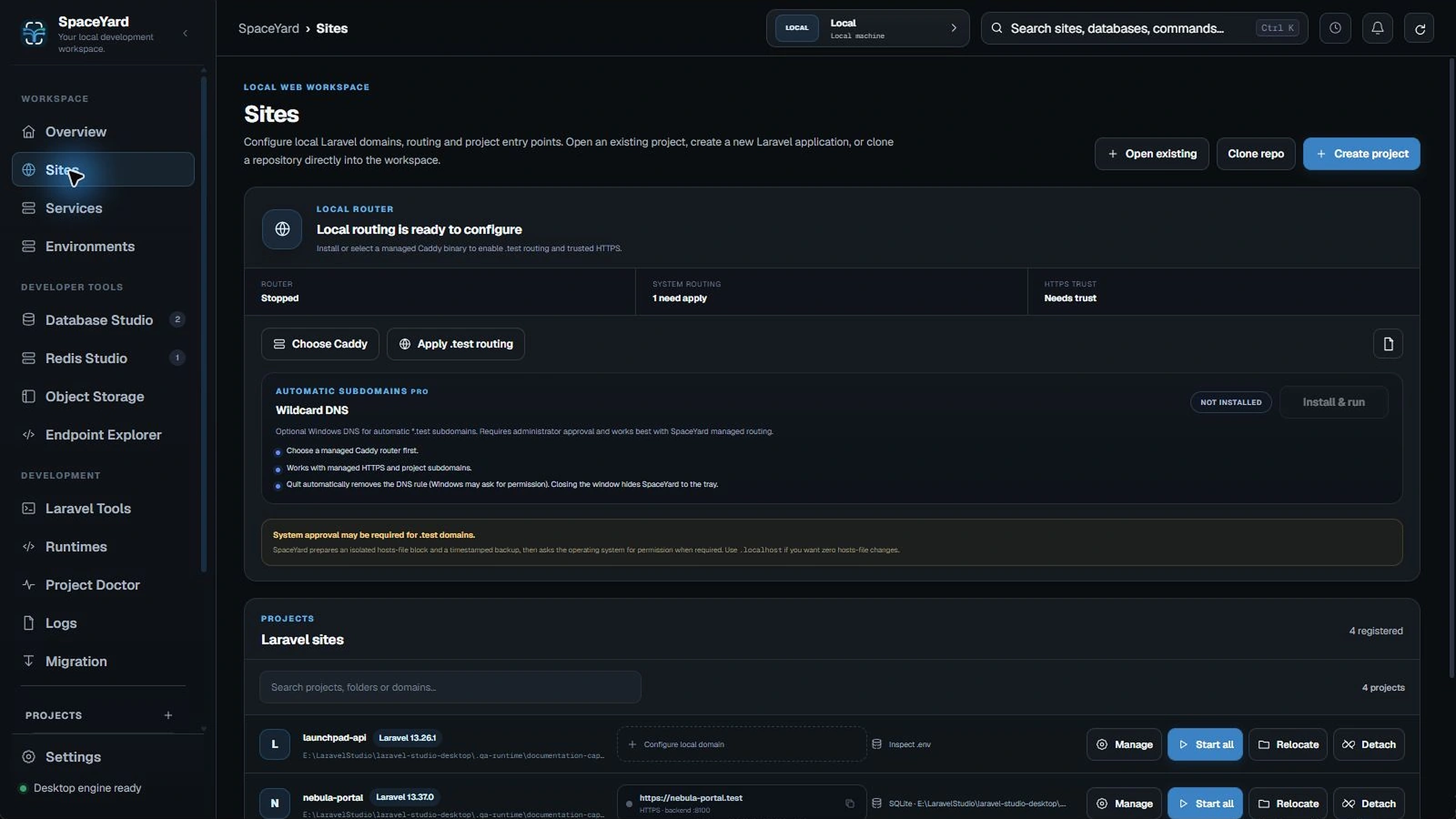
Troubleshooting
Fix common setup, domain and dependency issues.
Use this page when something fails. First, identify whether the problem is Laravel, a runtime or dependency, a local service, or the Caddy domain router.
My project was created, but the page is blank
For React, Vue or Svelte, check whether frontend dependencies have been installed. Use Bootstrap Project if needed, then run the Vite development server or build assets. Also check the browser console and Laravel Logs.
Composer or npm takes a long time
A package install can be quiet while resolving dependencies or downloading files. Avoid clicking the action repeatedly or running two installations in the same folder. If it fails, read the failed command and retry only the incomplete Bootstrap step.
The backend starts but `.test` does not open
- Confirm the project shows a running backend.
- Check the saved domain and backend port.
- Check Caddy/router status and recent logs.
- Apply
.testrouting only when needed. - Complete local HTTPS trust as a separate step if you need it.
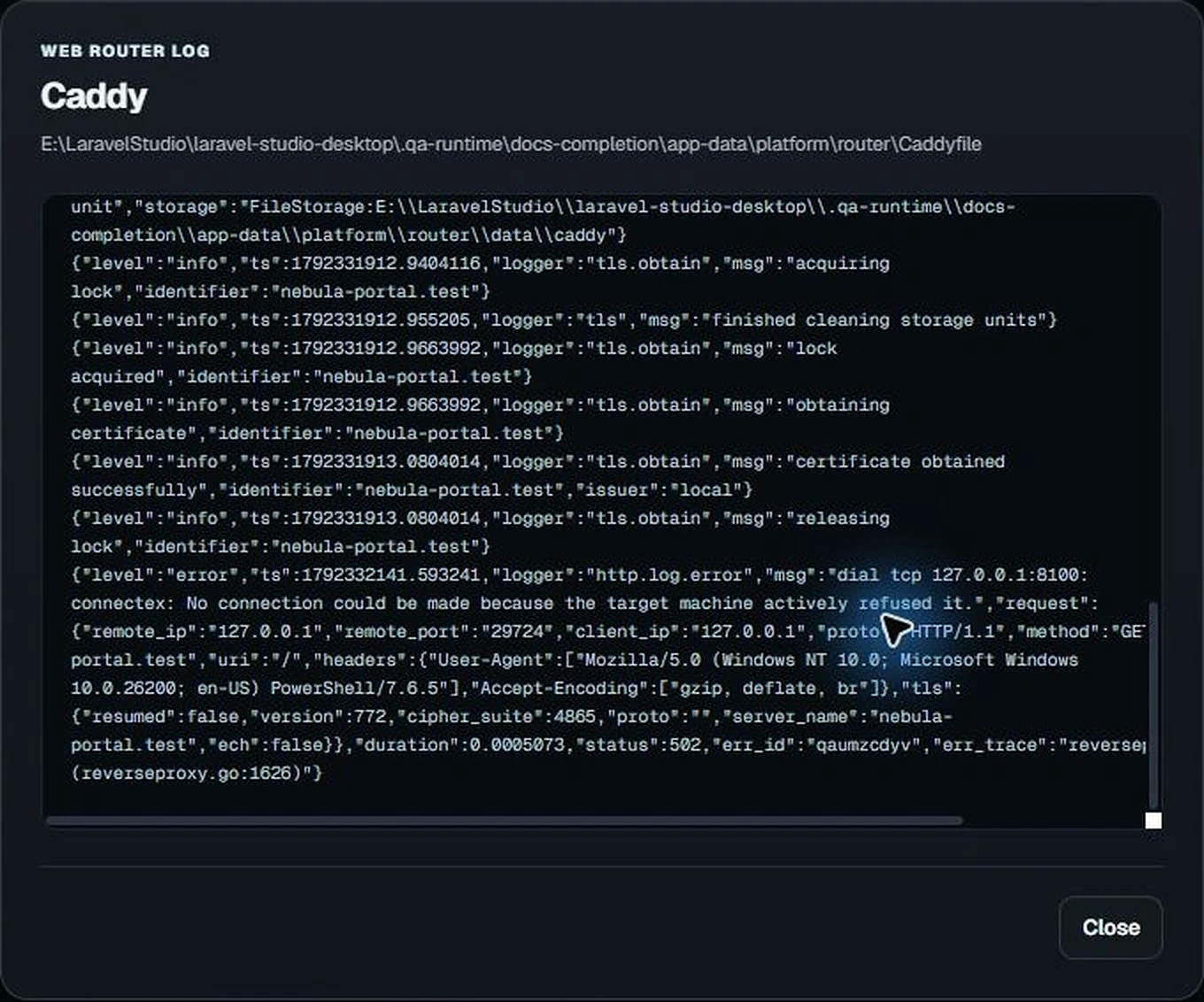
Warning: Repeated administrator prompts are not an invitation to click Allow repeatedly. Stop starting the site, read the router status and investigate the last error first.
A database connection fails
Confirm that the database service is actually running. Verify the host, port, database name and credentials. Choosing MySQL during project creation does not guarantee a new database has been provisioned.
A PHP or Node tool is missing
Open Runtimes and check which executable is bound to the project. Compare the installed version with the Laravel or frontend package requirements.
I need to share an error
Send the feature name, what you clicked, the exact error message, and a short log excerpt with secrets removed. Avoid sharing .env contents, database passwords, access tokens or personal filesystem paths.