
Getting started
Understand the workspace and your first steps.
SpaceYard brings Laravel projects, local sites, services, databases and everyday developer tools into one Windows workspace. You can start with a project you already have, or create a new one.
What you'll see
The left navigation groups the main areas:
- Sites — see your Laravel projects and start or stop their local sites.
- Services — inspect and manage local services such as database servers.
- Environments — review runtime and remote-environment information.
- Developer Tools — use Database Studio, Redis Studio, Object Storage and Endpoint Explorer.
- Development — open Laravel Tools, Runtimes, Project Doctor, Logs, and Migration.
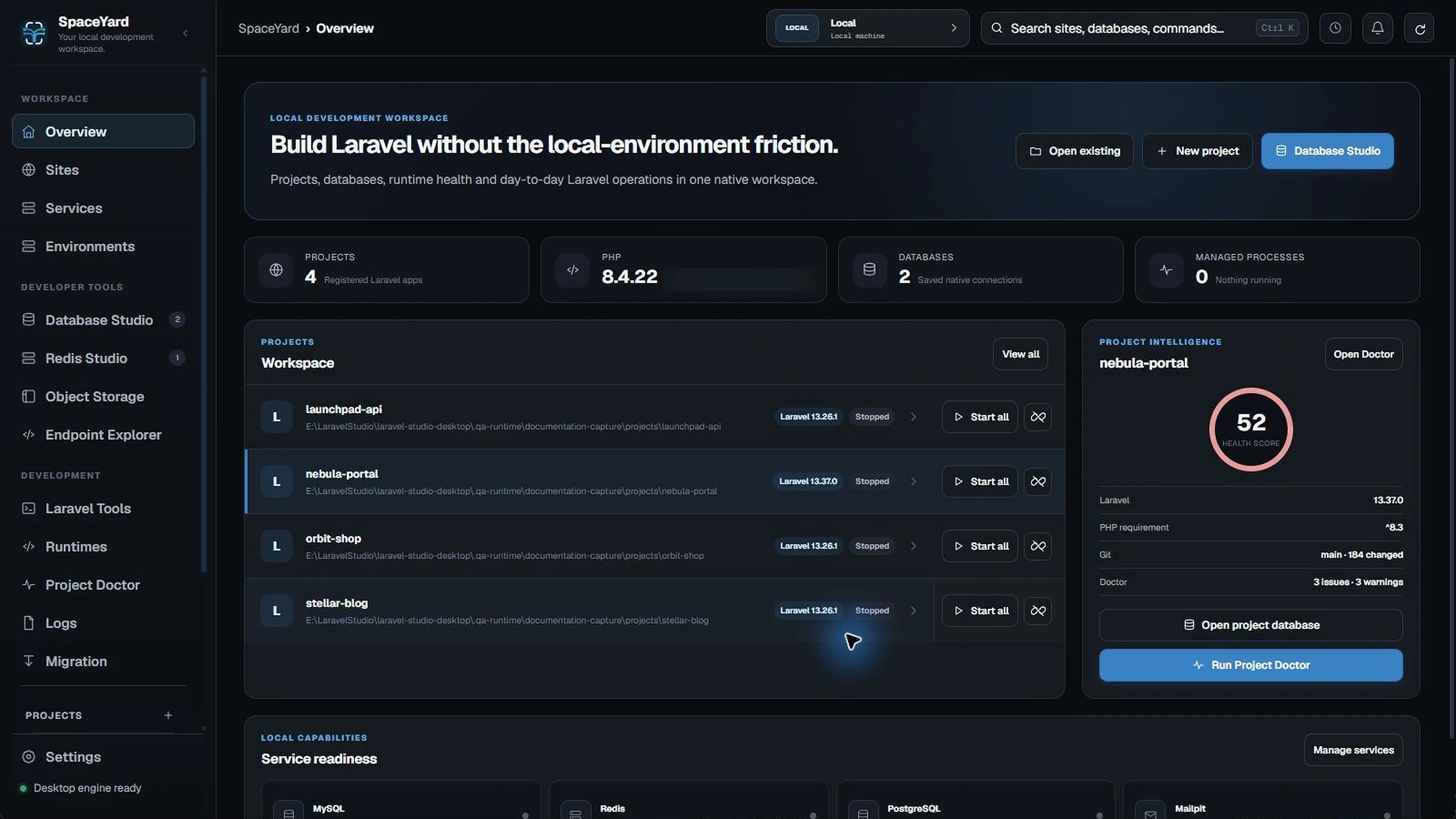
Choose your starting point
Have a Laravel project? Open Sites, choose Open existing, then select the folder containing artisan and composer.json.
Starting something new? Choose New project, enter a project name and folder, then select your Laravel starter and test framework. The Create a Laravel project guide explains every choice.
A simple first workflow
- Register or create a project.
- Check which PHP and Node.js runtimes SpaceYard detects.
- Open the project's Site actions and start it.
- If you use a
.testdomain, follow Local domains & HTTPS. - Use Bootstrap Project when you want to install frontend packages or run optional setup tasks.
- Use Migration when the Laravel project already exists in XAMPP, Herd, Laragon, WampServer, MAMP, or another local stack.
Tip: Start with SQLite if you do not need a separate database server. It keeps a first test project simple.
Before you continue
SpaceYard's first release is aimed at Windows. The application is free to use; the source code is not currently published as open source.