
Redis Studio
Inspect and manage Redis connections and keys.
Redis Studio is the place to inspect Redis connections, databases and keys. It is useful when your Laravel application uses Redis for caching, queues or sessions.
Connect to Redis
- Open Redis Studio.
- Select a saved Redis connection or add one if none exists.
- Confirm the host, port and Redis database number.
- Open the connection to view its keys.
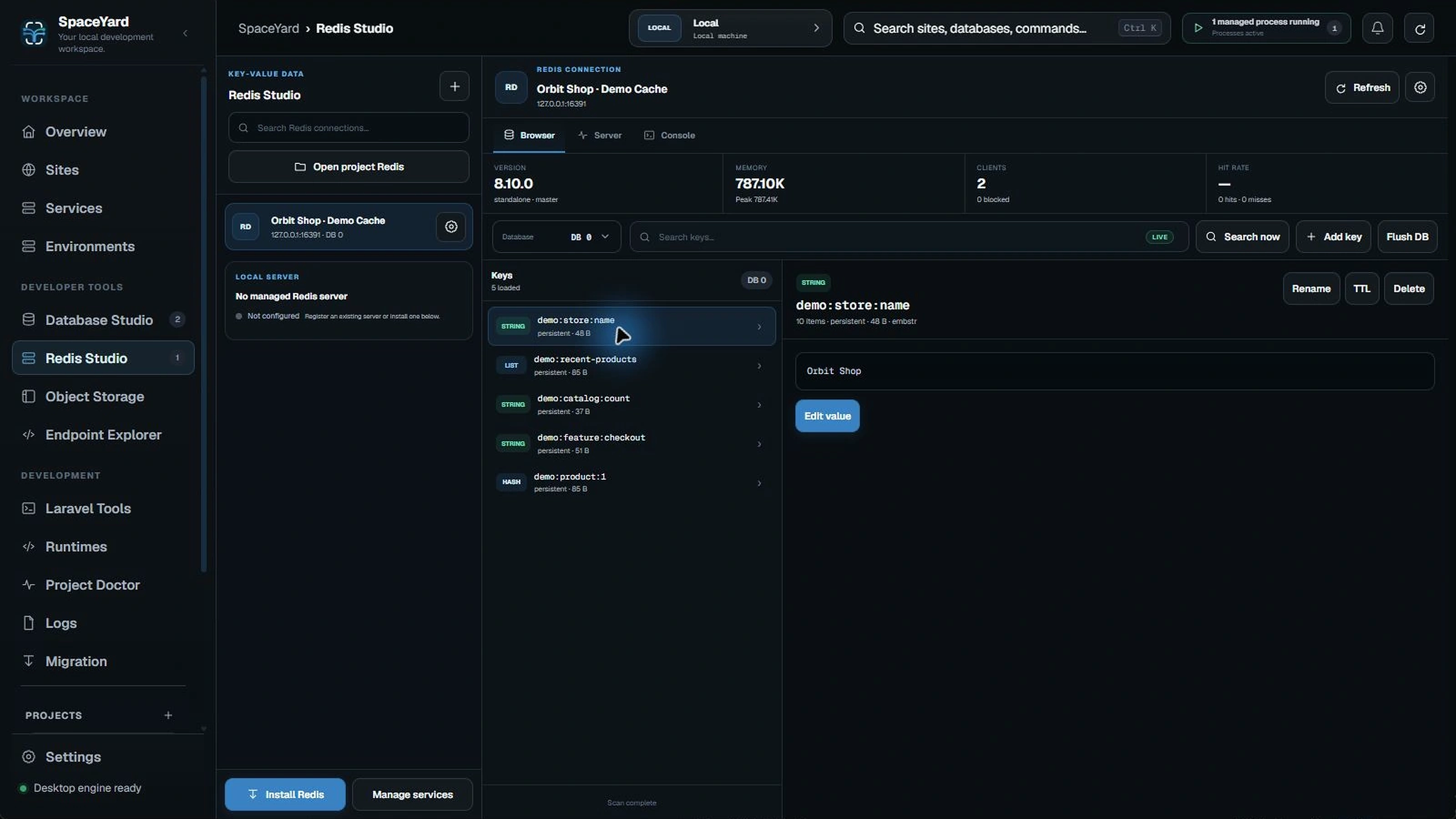
Browse keys safely
Use the key list or search controls to find an entry, then inspect its value and type. Keys can contain application session or cache data, so treat them as potentially sensitive.
Editing and deleting keys
Some actions can change data immediately. Verify the selected connection and database number before changing or deleting anything.
Tip: A cache key may be recreated automatically by Laravel. A queue or session key may represent live application state. Do not clear an entire Redis database to solve a single-key problem.
Connection problems
Check that Redis is running, the port is correct and authentication details match your service. If the connection is remote, inspect its SSH or network route separately from the local Redis service.