
Object Storage
Work with MinIO and S3-compatible storage.
Use Object Storage to browse and manage buckets and objects in a connected storage service.
Choose a storage connection
SpaceYard supports local MinIO and compatible S3-style storage providers. Open Object Storage, select the connection and confirm you are working in the intended bucket.
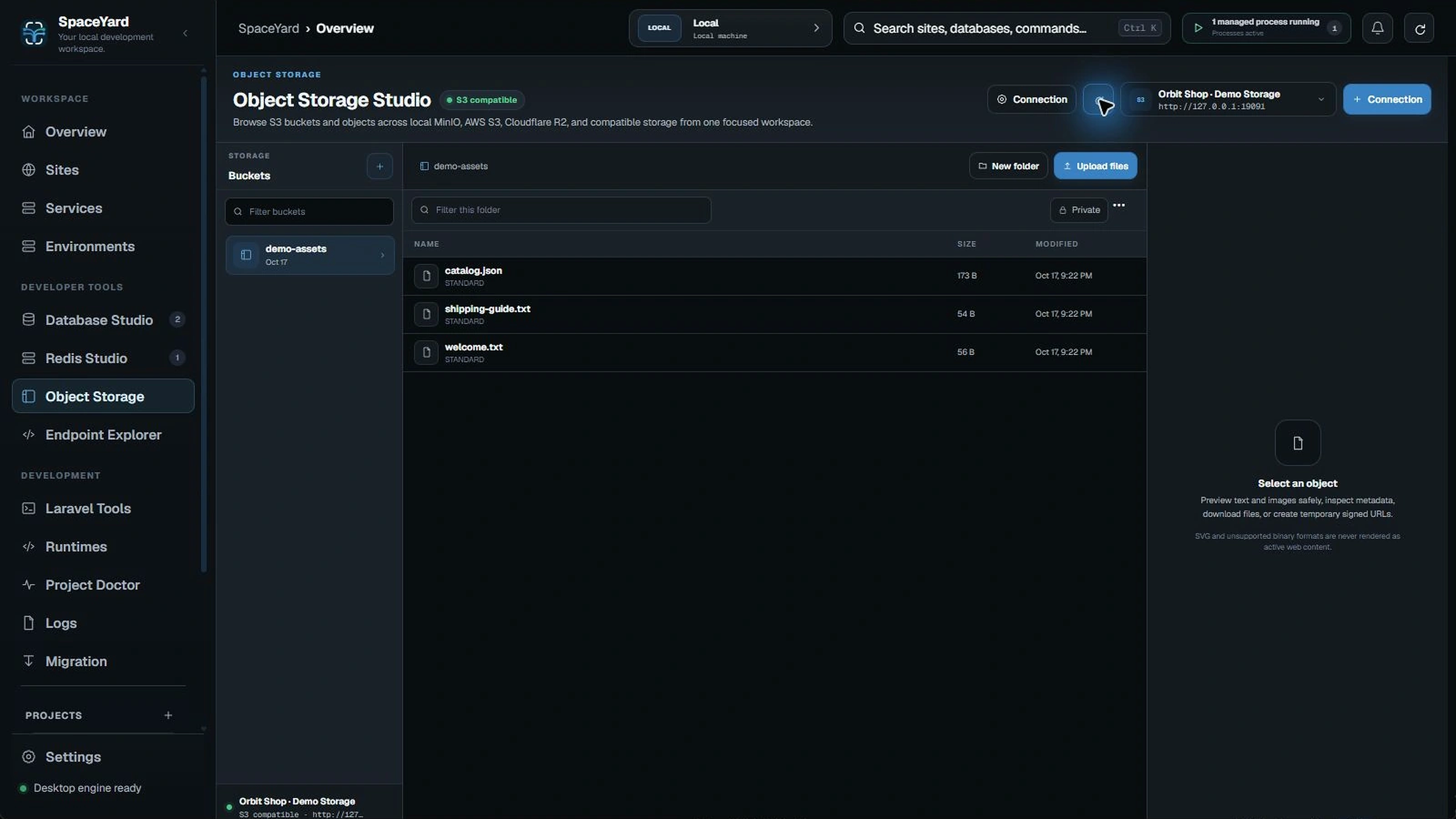
Work with objects
A bucket contains objects (files) identified by keys. Depending on the connection, you can browse objects and use the available upload, download or management actions.
Before changing storage
- Confirm the connection, bucket and object key.
- Avoid exposing access keys, secret keys or private object URLs in screenshots and logs.
- Check application references before renaming or deleting an object.
- Take special care with cloud buckets connected to production applications.
Note: SpaceYard opening a storage connection does not make private objects public. Public access and bucket permissions belong to your storage provider's configuration.
If a bucket won't open
Check the endpoint URL, bucket name, credentials and permissions. For local MinIO, confirm the managed service is running.