
PHP runtime management
Bind project runtime versions without reshaping the global PATH.
A focused place to create Laravel projects, manage local services, and work with your data, routes, and Git—without constantly switching tools.
Built for Windows. Free to use.
Made for the tools already in your stack.
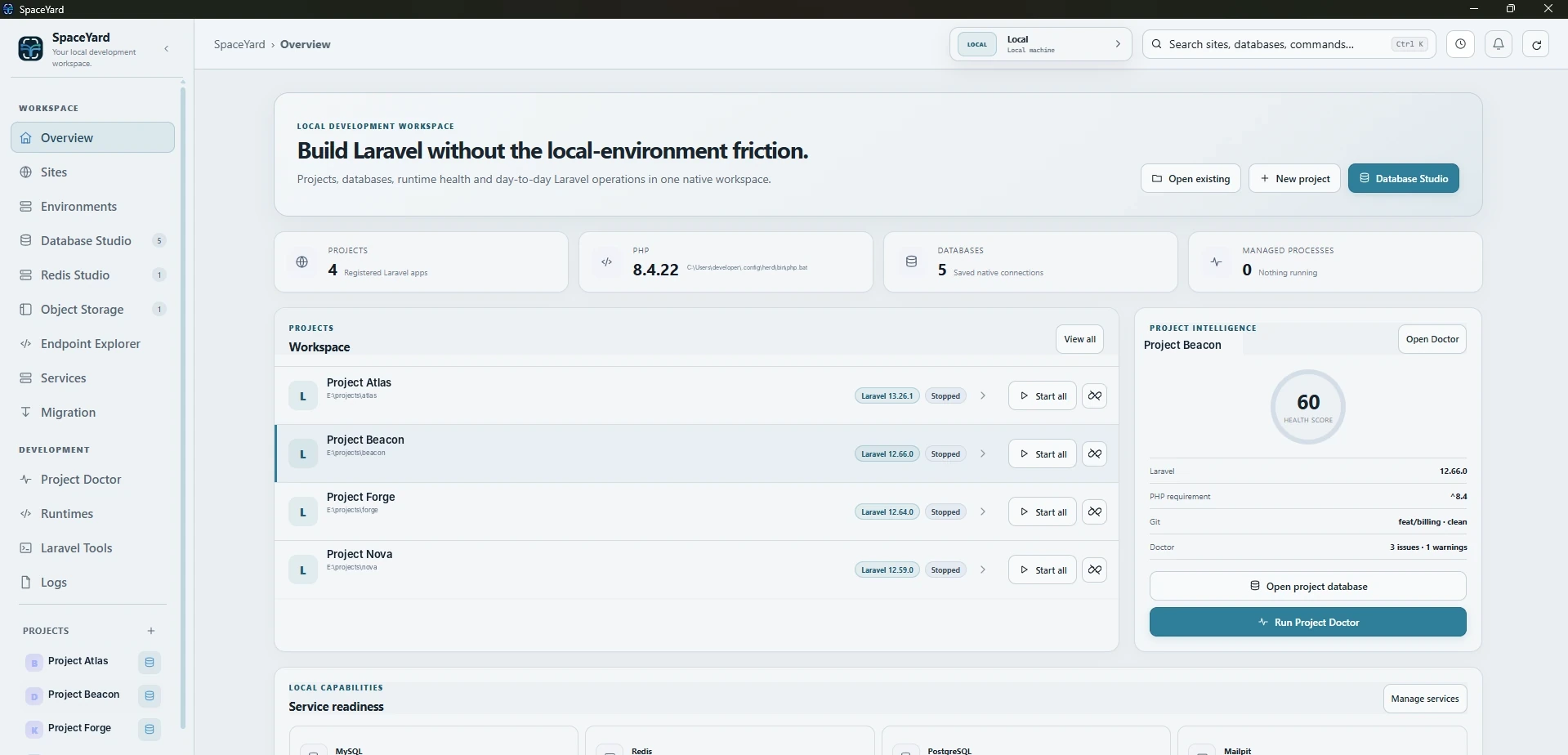
Built around your workflow
Your project, runtime, local routing, databases and everyday Laravel tasks belong together. SpaceYard connects the pieces without taking you out of your flow.
Everything from local HTTPS to queues and database inspection stays within reach, without another maze of windows.
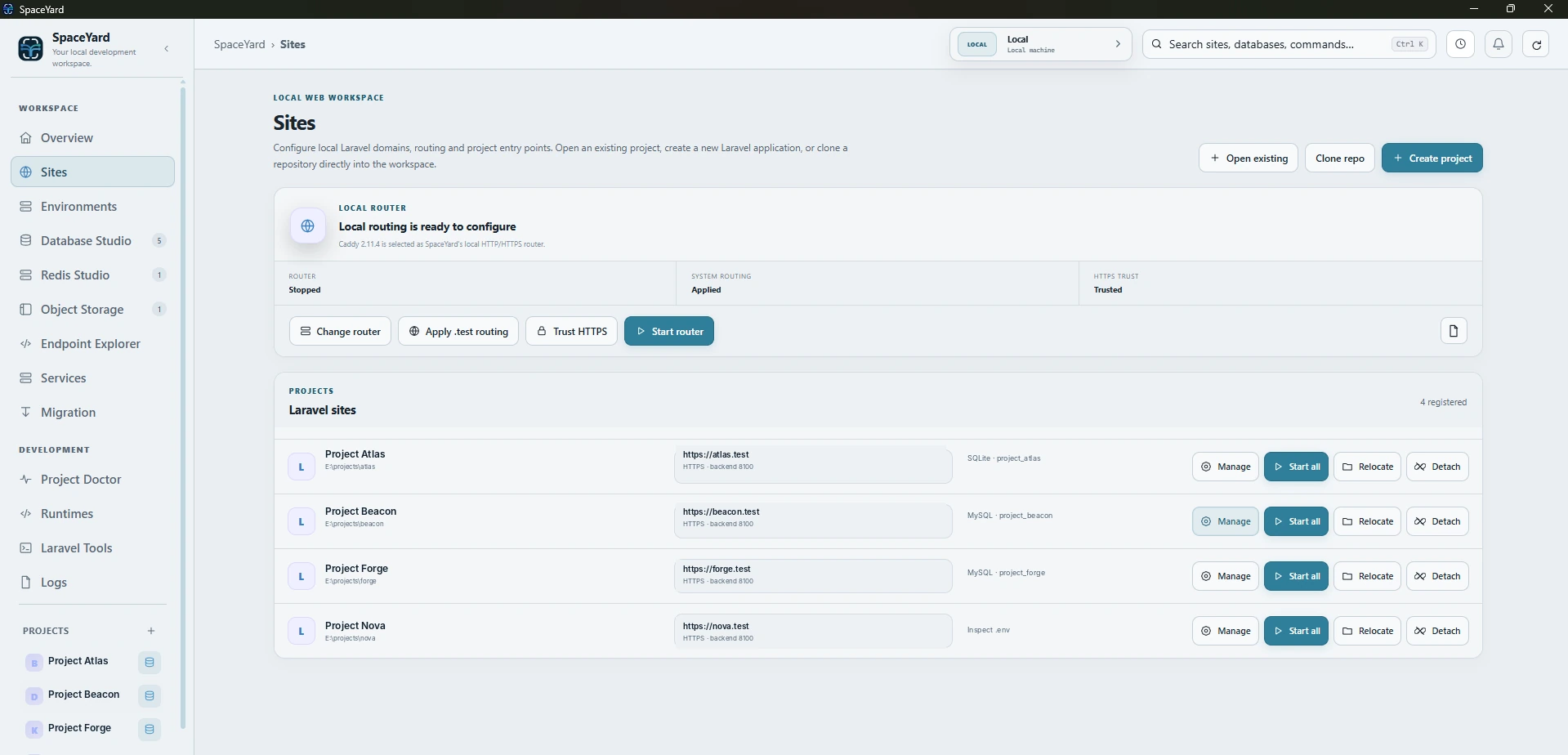
Projects & Sites
Keep projects, local domains, HTTPS routing and runtime context in one workspace instead of stitching the workflow together across separate tools.
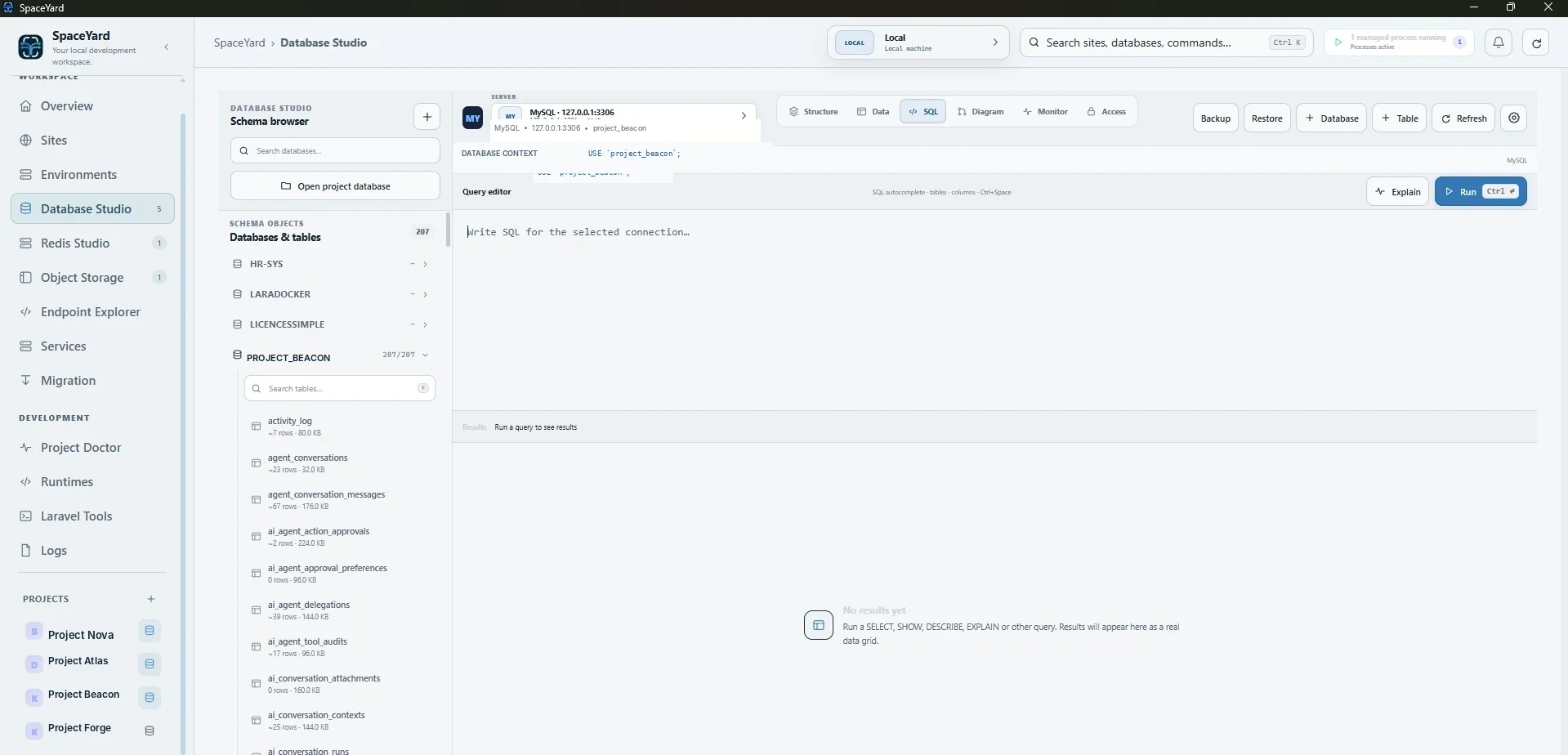
Database Studio
Browse connections and schemas, work with tables, and move into SQL without leaving the development workspace.
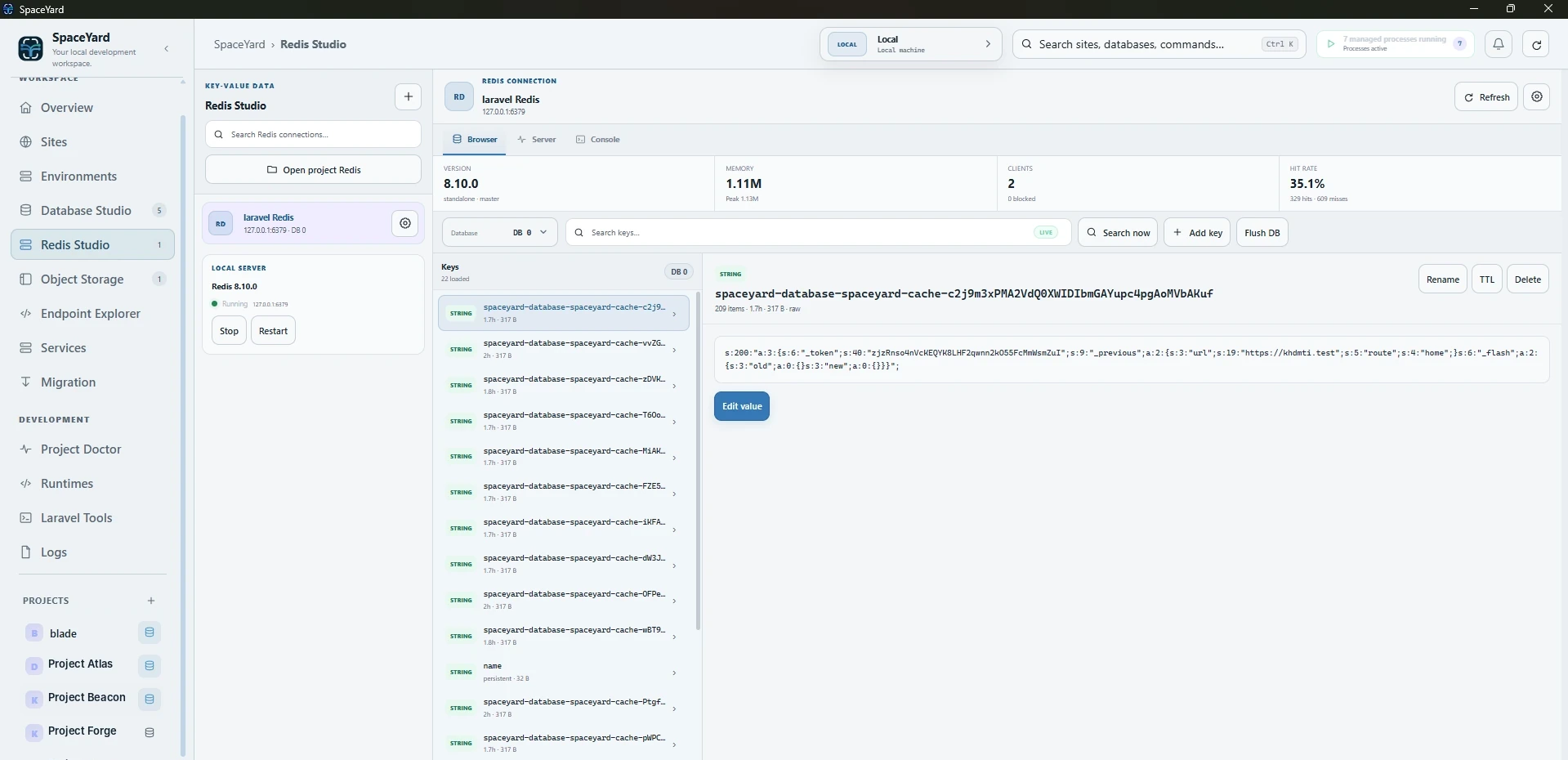
Redis Studio
Connect to Redis, browse keys and inspect values while keeping the cache context close to the project that uses it.
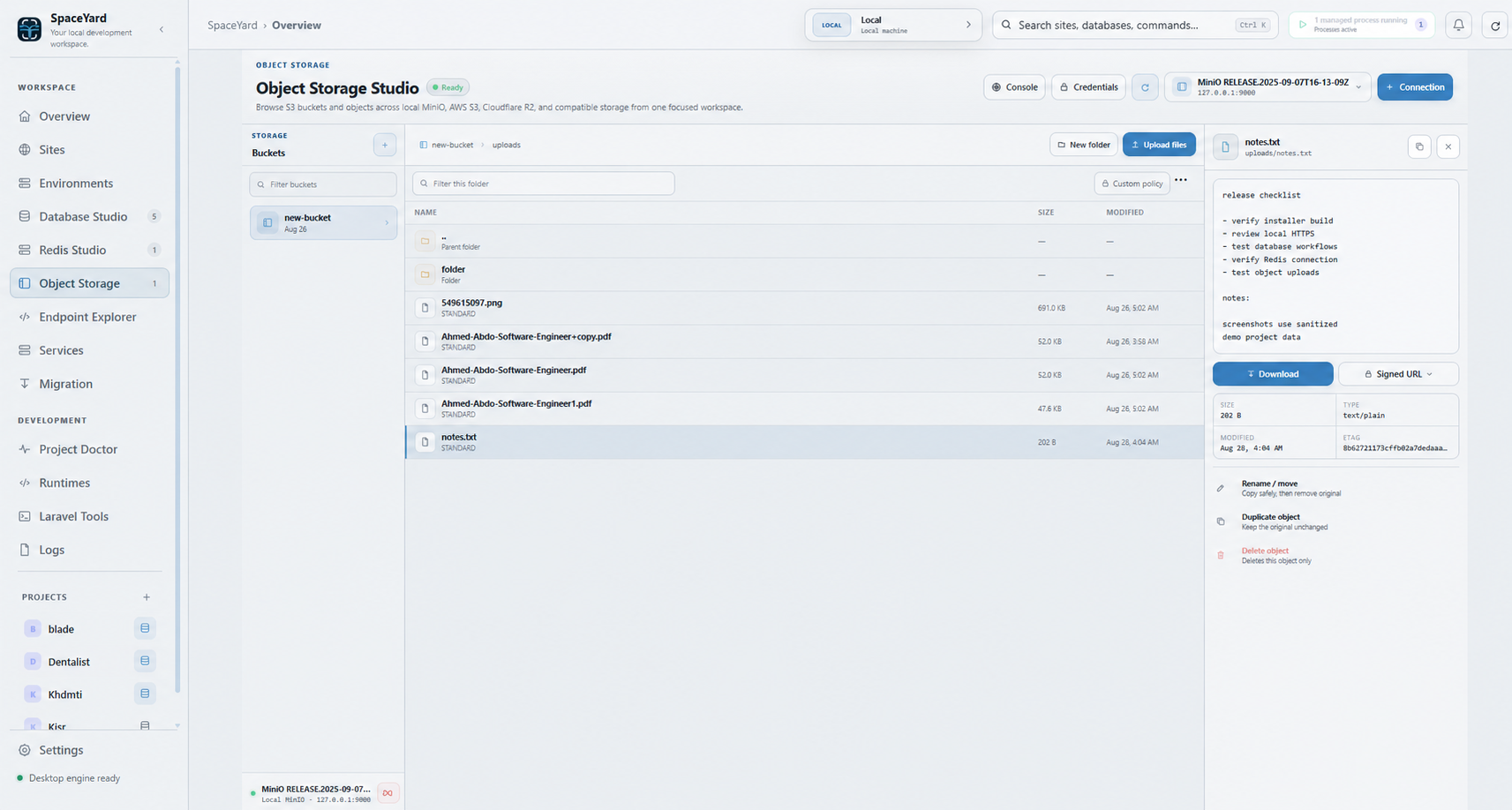
Object Storage
Work with S3-compatible storage from one focused interface, including local MinIO and connections intended for AWS S3, Cloudflare R2 and compatible providers.
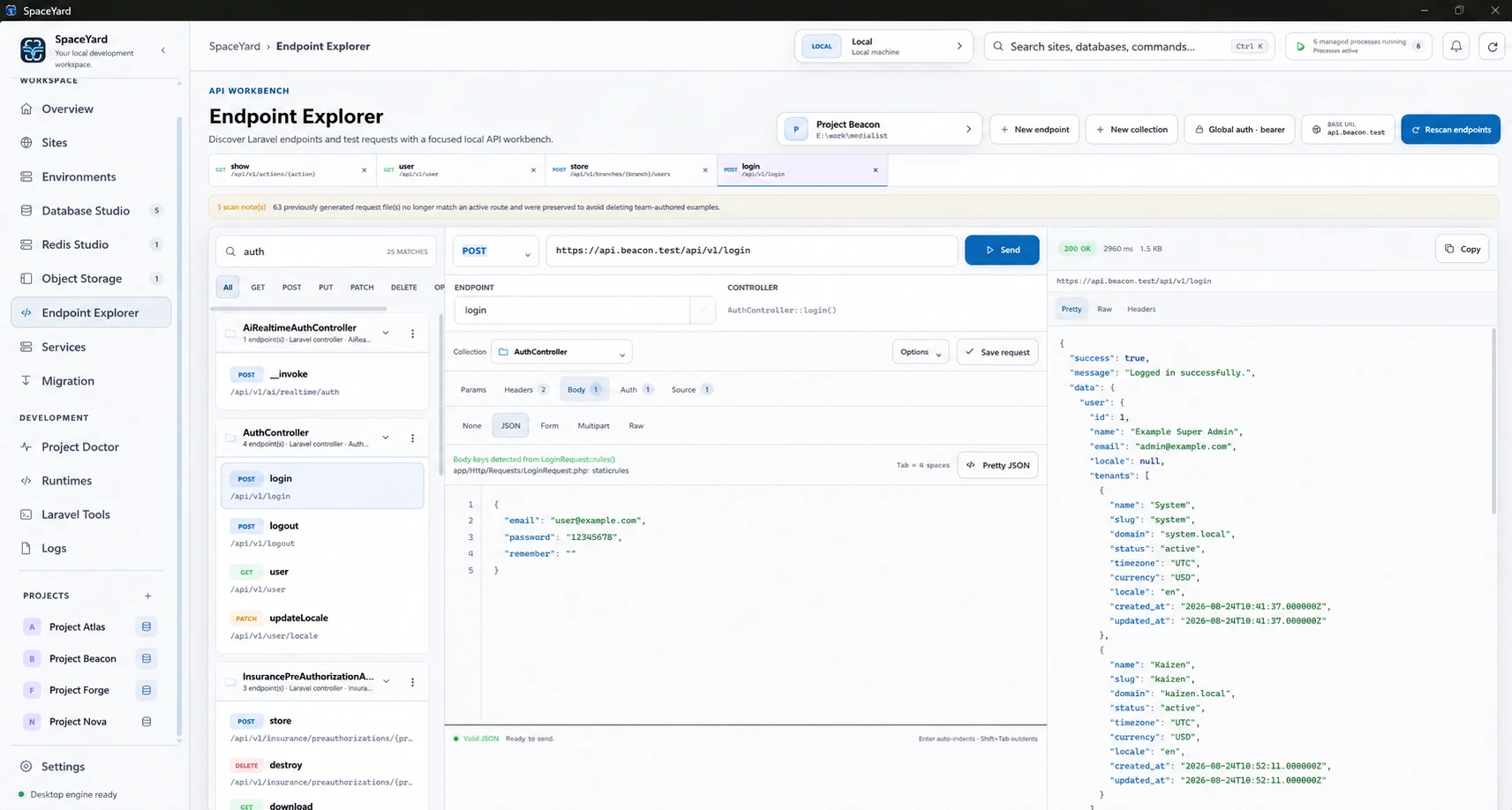
Endpoint Explorer
Discover application routes and work with requests in a Laravel-aware API workbench instead of rebuilding the route context manually.
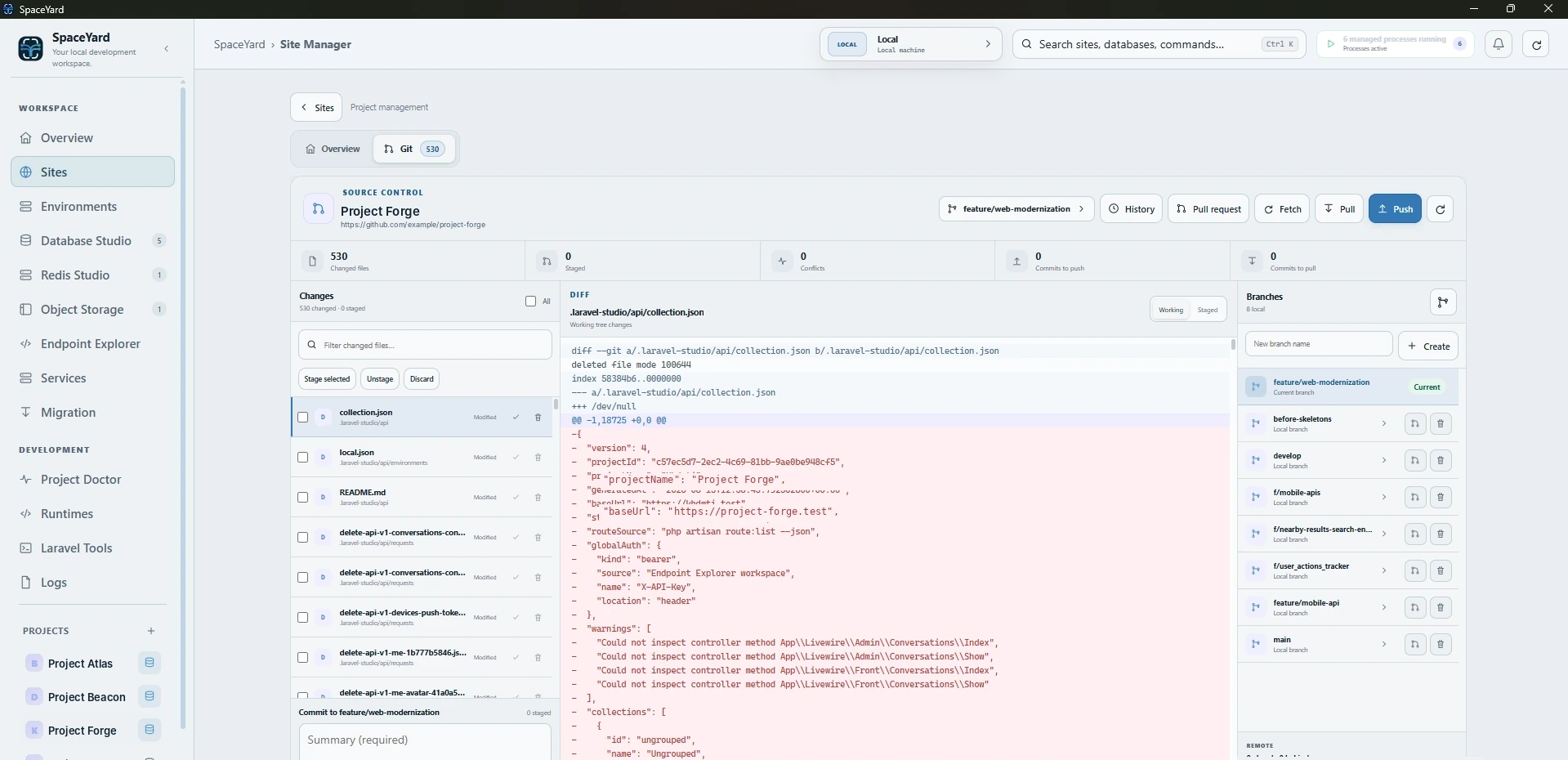
Git Management
Review changes, stage work, inspect diffs and work with branches from the project workspace where the rest of your local environment already lives.
One practical workbench
SpaceYard brings together the local operations you use most, so you can spend more time on the application itself.
Bind project runtime versions without reshaping the global PATH.
Keep project toolchains visible and intentionally selected.
Manage the local services your development workflow depends on.
Keep local routing and trusted HTTPS close to the project.
Commands, queues, scheduler, mail, Reverb and debugging tools.
Surface environment health and diagnostic context when something is wrong.
Keep local application and service output available from the workspace.
Support practical project migration and local environment workflows.
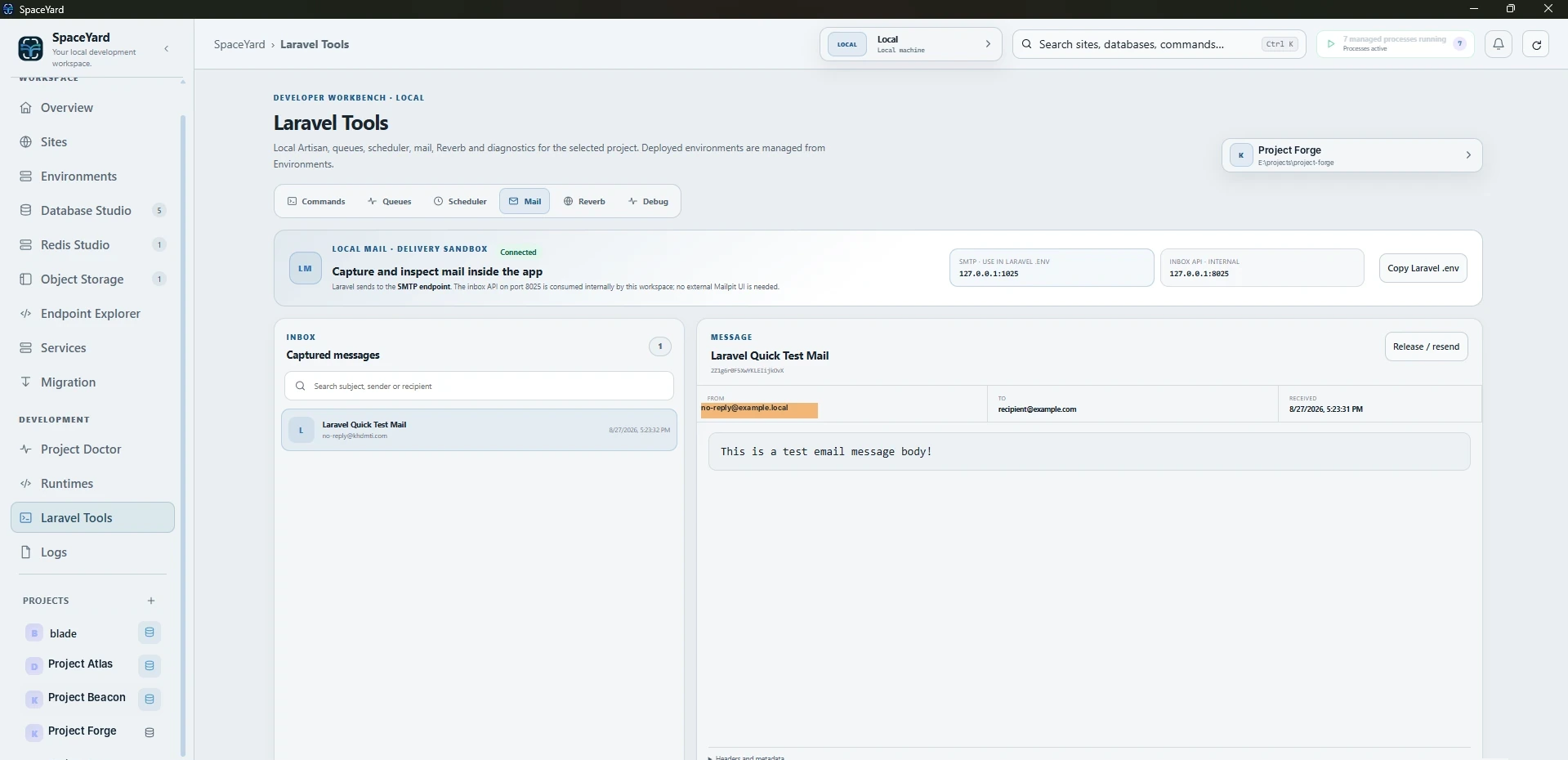
Laravel tools
Run Artisan commands, explore queues and scheduler tasks, inspect local mail, and find debugging tools right beside the project.
Documentation
Browse setup guides and documented workflows as SpaceYard moves toward its first public Windows release.
SpaceYard for Windows
Your local Laravel workspace is ready for Windows. All included. No paid tier.